With Hvil®, you can track your sleep and access practical tools to help improve it.
This includes a sleep diary, where you can record your sleep and follow your progress over time, as well as "Sleep Optimisation", which can help restore a healthier sleep routine and reduce night-time awakenings.
Download Hvil® below and get started today.



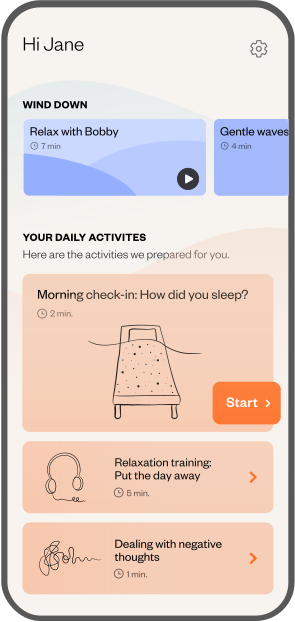
1. Download Hvil®
Hvil® is available for both Android and iPhone smartphones. You can install Hvil® for free from the App Store and Google Play.
2. Create user or log in
You can create a new account or log in if you already have an account.
3. Enter your Hvil®-code
If you have been given a Hvil®-code, you can enter it when creating your account.
This may be a code provided by your organisation, doctor, or municipality.
If you forget to redeem the code when creating your account, you can also do so later under your profile.
4. Introduction
Once you have created your account, you can access the first activities in Hvil®.
These activities introduce you to Hvil® and explain the basic principles that the programme is based on.
5. With or without a Hvil® code?
Everyone can access and use Hvil®. The free programme gives you access to a sleep diary as well as the tools “Sleep Optimisation” and “Stimulus Control.” These can be effective, and our data shows that many people experience an improvement in their sleep by using the sleep diary alone.
If you have entered a Hvil® code or paid for access, you will also gain access to the results of your weekly measurements (Hvil® Score), as well as the Deactivation, Sleep Hygiene, and Cognitive Therapy components, in addition to the free features.
6. Complete your first activities
Once you have created an account in the app, you can get started with your first activities.
7. Stick with it!
Hvil® is not a quick fix. It therefore requires active effort, but we will do our best to support you along the way.
