Hvil® is a mobile app that assists you in sleeping healthier and better through a customized sleep program.
With a sleep programme, you will learn to understand what affects your sleep and be supported in changing the parameters that contribute to your poor sleep.
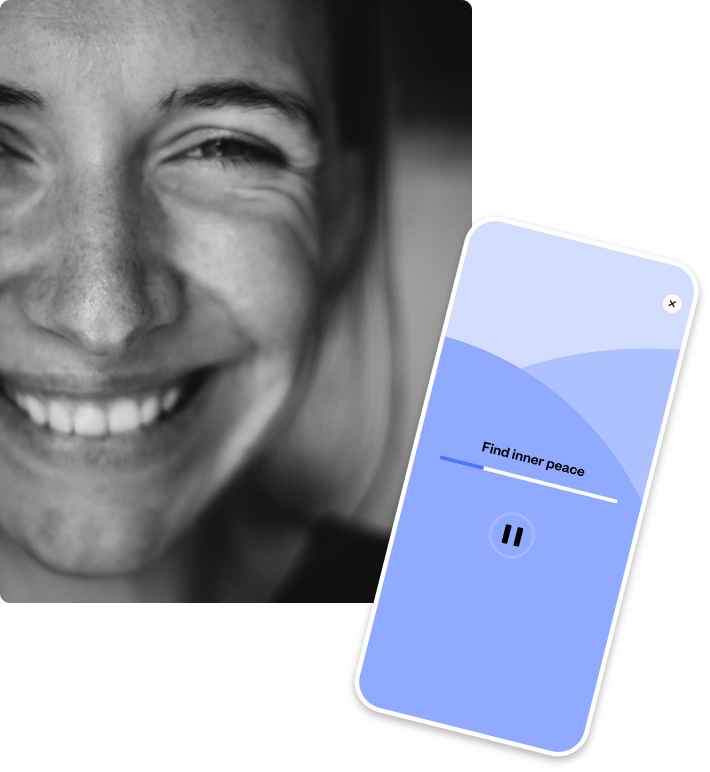
Hvil® helps you track your sleep from day to day.
You can continuously see how your sleep habits and sleep quality are developing.
You get personalised advice and guidance on how best to improve your chances of getting more and better sleep.
Many solutions on the market promise faster results, while reality is different. It takes time to change habits.
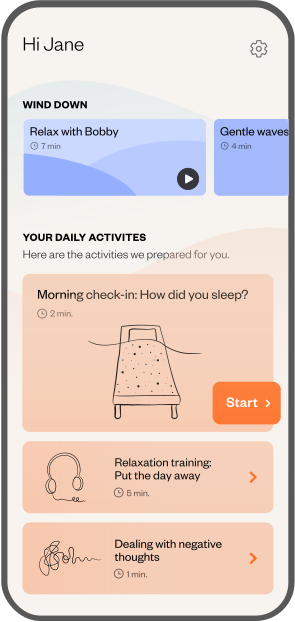
1. Download Hvil® to your smartphone
Hvil® is available for both Android and iPhone smartphones. You can now install Hvil® for free in App Store and Google Play.
2. Redeem your Hvil® code
You need to purchase a Hvil® code before you can redeem it. Once you've paid, we'll send you your unique Hvil®-code to your email and you're ready to get started today.
3. Start your journey to better sleep
Once you've redeemed your Hvil®-code, you can get started with your first activities.
Hvil® is an app that helps you understand what affects your sleep, and gives you the tools to establish new habits, thoughts and behavior around your sleep so you can sleep better.
Yes, Hvil® is available in App Store and Google Play. Follow the store links to download it.
Hvil® is based on cognitive activities that aim to improve sleep habits, sleep efficiency and sleep in general.
Hvil® is based on non-medical aids and consists of a combination of advice, guidance and activities aimed at providing the user with more and better sleep.
The effect of these advice and guidance therefore does not have side effects that medical treatment can cause.
Hvil® consists of tools and activities that will help you get better sleep. One of the component in a sleep program is called sleep restriction.
Sleep restriction assigns you a sleep window which typically means that you must limit your sleep for a period of time. Side effects that you may experience with sleep restriction include:
We do not recommend sleep restriction for you where the side effects may be a safety concern (e.g. fatigue/reduced alertness in long-term drivers, brain surgeons, etc.).
Similar side effects such as temporary increase in sleepiness, fatigue and decreased alertness may also occur with stimulus control.
NOTE! When we put together a sleep programme for you, we will ask you a series of questions that will help us to assess, whether sleep restriction fits in with your lifestyle.
Hvil® is for anyone experiencing poor sleep and is designed to help you track your sleep history and assess your sleep quality.
Hvil® offers advice, guidance and tools to help you get even more and better sleep, which can benefit everyone.
A sleep program consists of daily activities, that help you get better sleep habits.
It takes time and effort to change habits and it's different from person to person, how long it takes.
The length of your sleep program is depended on how your sleep develops, which is a mixture of establishing new habits, thoughts and behavior around your sleep.
The first time you use Hvil®, you will be helped to allow notifications/reminders on your smartphone.
If you want to check whether notifications/reminders are still correctly activated, open the Hvil® app on your smartphone and go to settings (click on the gear wheel at the top right) and select "Reminders" in the menu. Here you can check and update your settings.
For iPhone users
Many users use the "Do Not Disturb" function at bedtime to avoid the risk of waking up if a text message or notification ticks in during the night. This also means that you generally do not receive notifications/reminders from Hvil®.
To allow Hvil® to provide notifications/reminders even if your smartphone is set to "Do Not Disturb", do the following:
For Android users
Read more on Google's support site here.
